
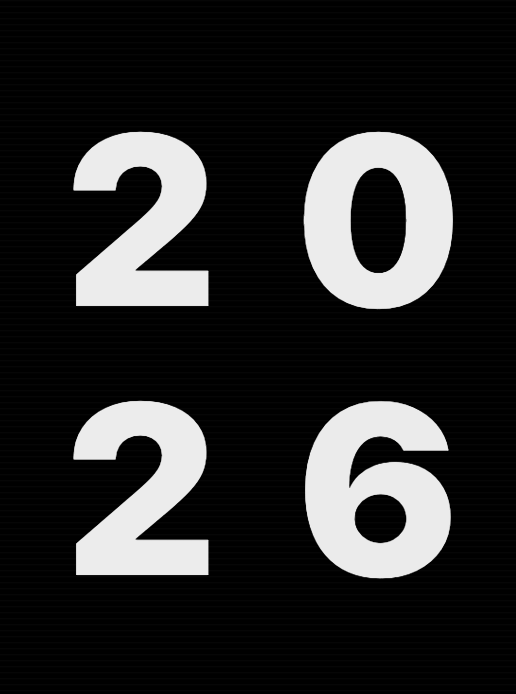
2026
Create this asccii animation where it shows as regular text then shows as ascii and has a really interesting flow
Open templateLoading...
AI motion templates
Browse kinetic typography, title reveal, caption, typewriter, and text-led motion templates for fast AI animation and motion design workflows.
Start from editable text animation structures, then remix the words, timing, layout, and visual tone inside MUSES.

Categories
Text-led launches, captions, intros, and kinetic typography
Explore categoryBrand reveals, identity systems, intros, and product marks
Explore categoryLaunch posts, creator videos, stories, Reels, and Shorts
Explore categoryChat scenes, notification moments, onboarding, and demos
Explore categoryProduct UI, toggles, cards, onboarding, and app walkthroughs
Explore categoryExplainers, product visuals, launch graphics, and brand scenes
Explore categoryLower thirds, pop-ups, transitions, and reusable motion assets
Explore categorySaaS launches, app promos, website heroes, and product tours
Explore categoryDashboards, metrics, explainers, counters, and analytics visuals
Explore categoryProduct launches, announcements, teasers, and campaign videos
Explore categoryFintech dashboards, financial explainers, pricing, and metrics
Explore categoryTemplate gallery
These examples come from the public MUSES template library and are ready to open in the editor.
Create this asccii animation where it shows as regular text then shows as ascii and has a really interesting flow
Open templateText animation
Open templateLets do an animation with a bunch of sticky nnotes that fly in and then it shows a logo name called "Sticky"
Open templateGenerate a template that looks like this
Open template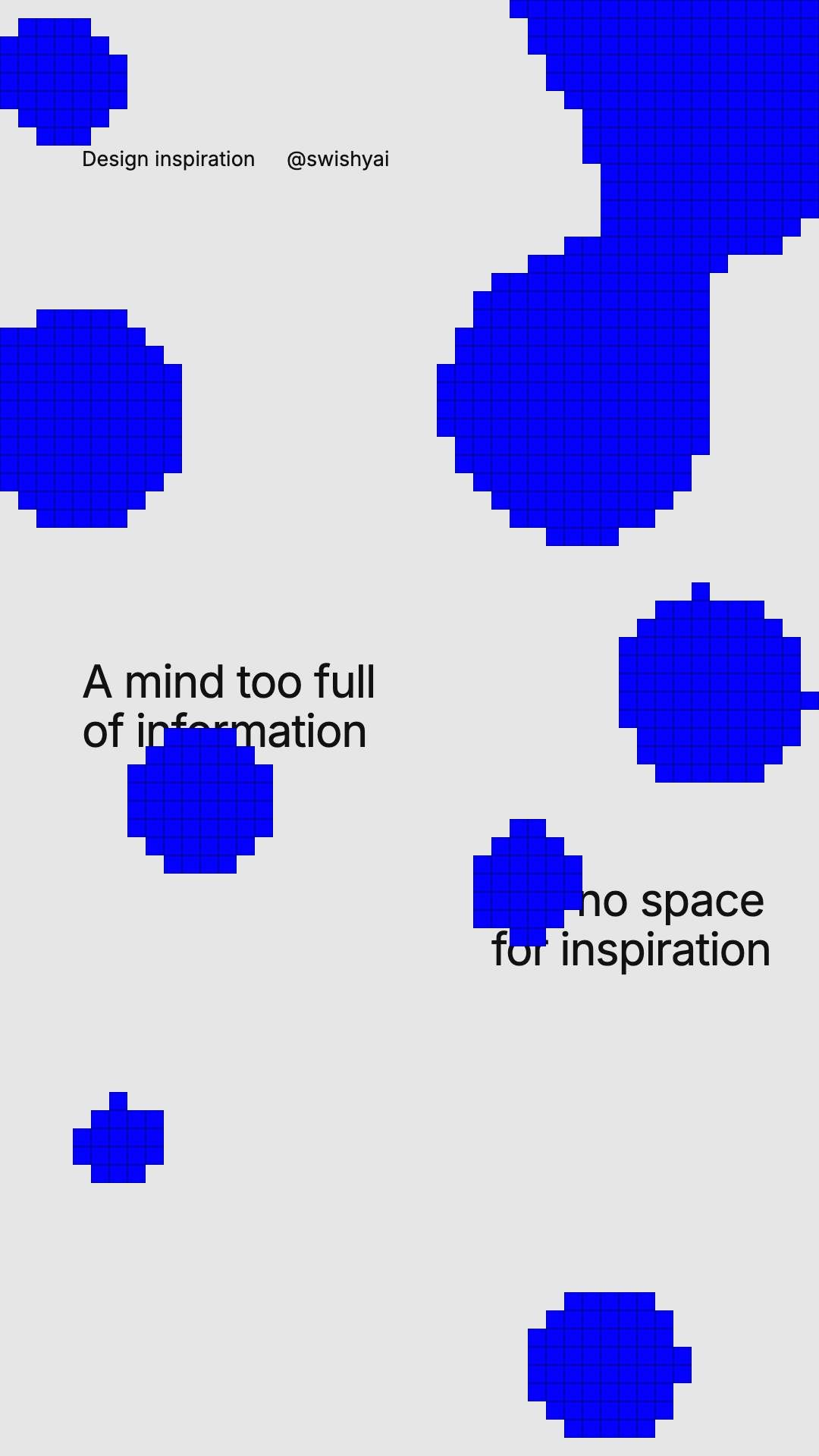
blob animations
Open template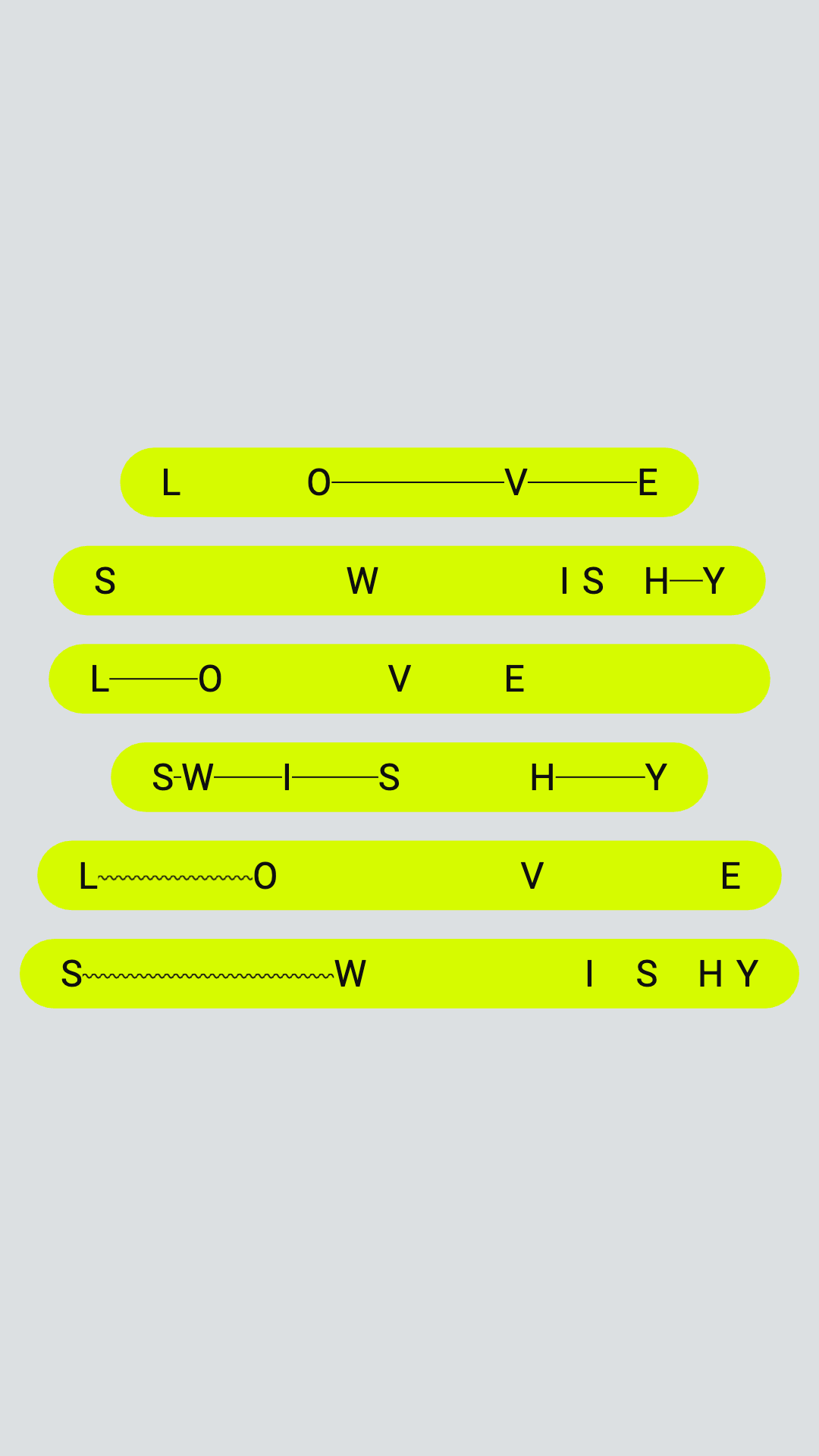
Text animation
Open template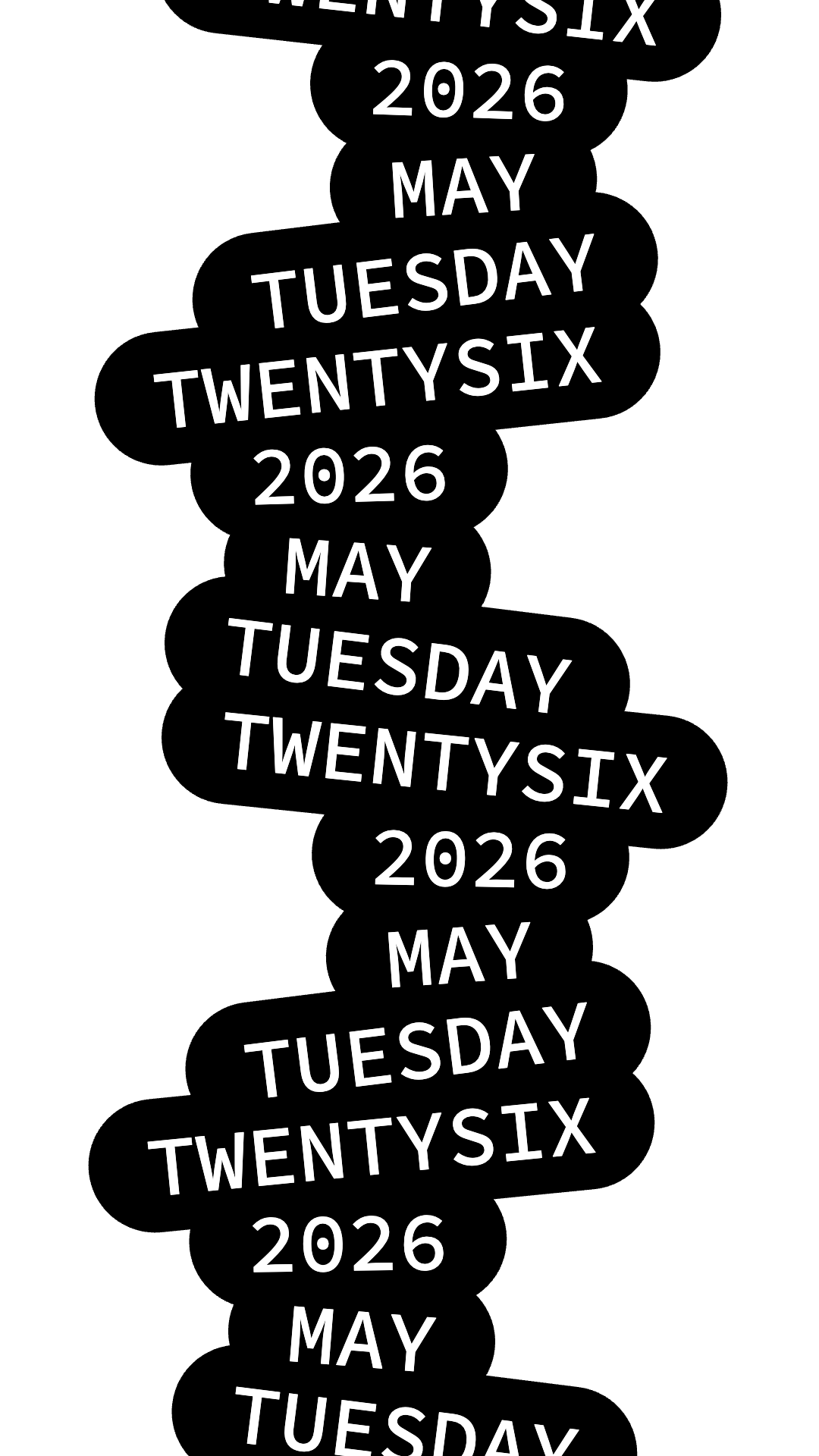
Text animation
Open template
blob effects
Open template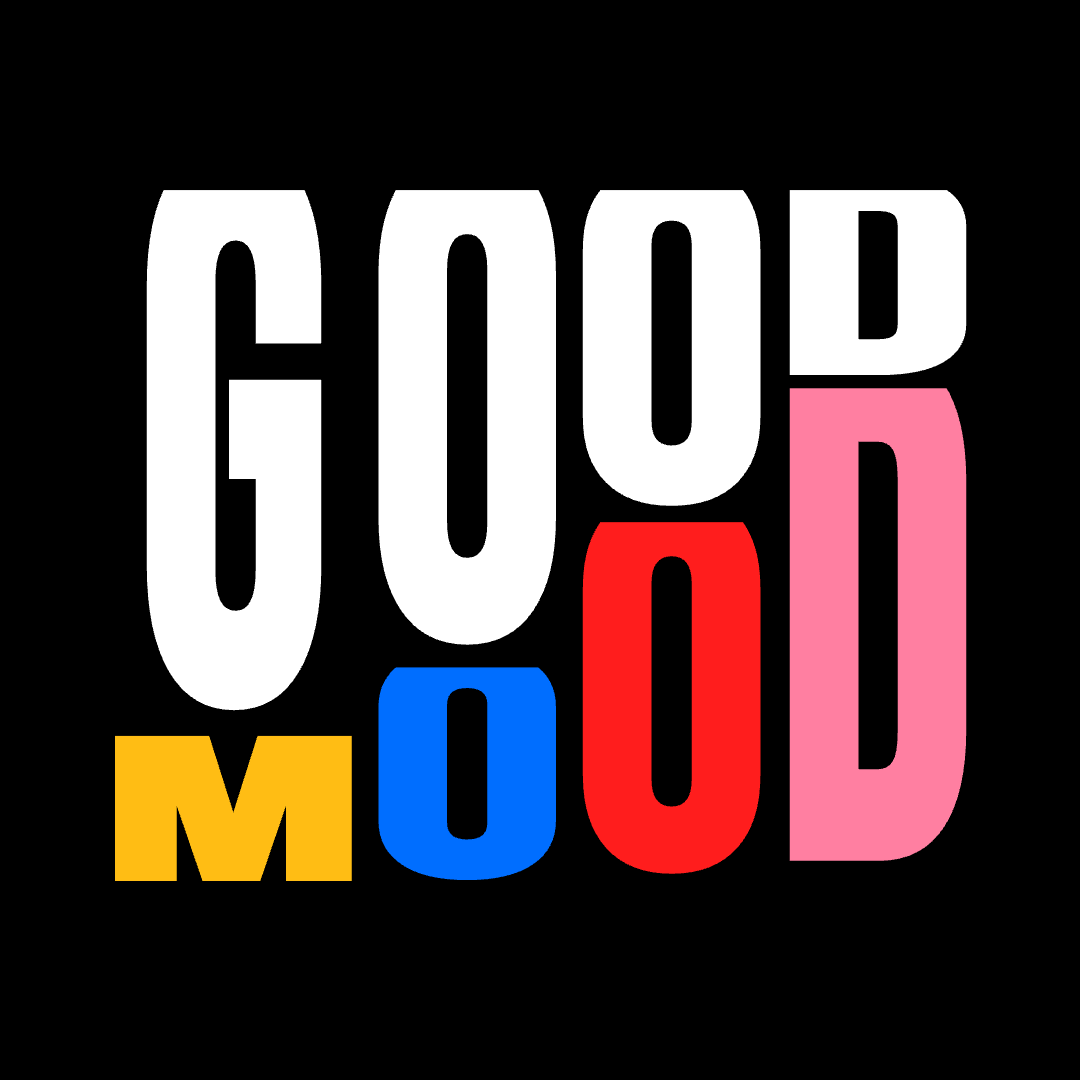
Text animation
Open template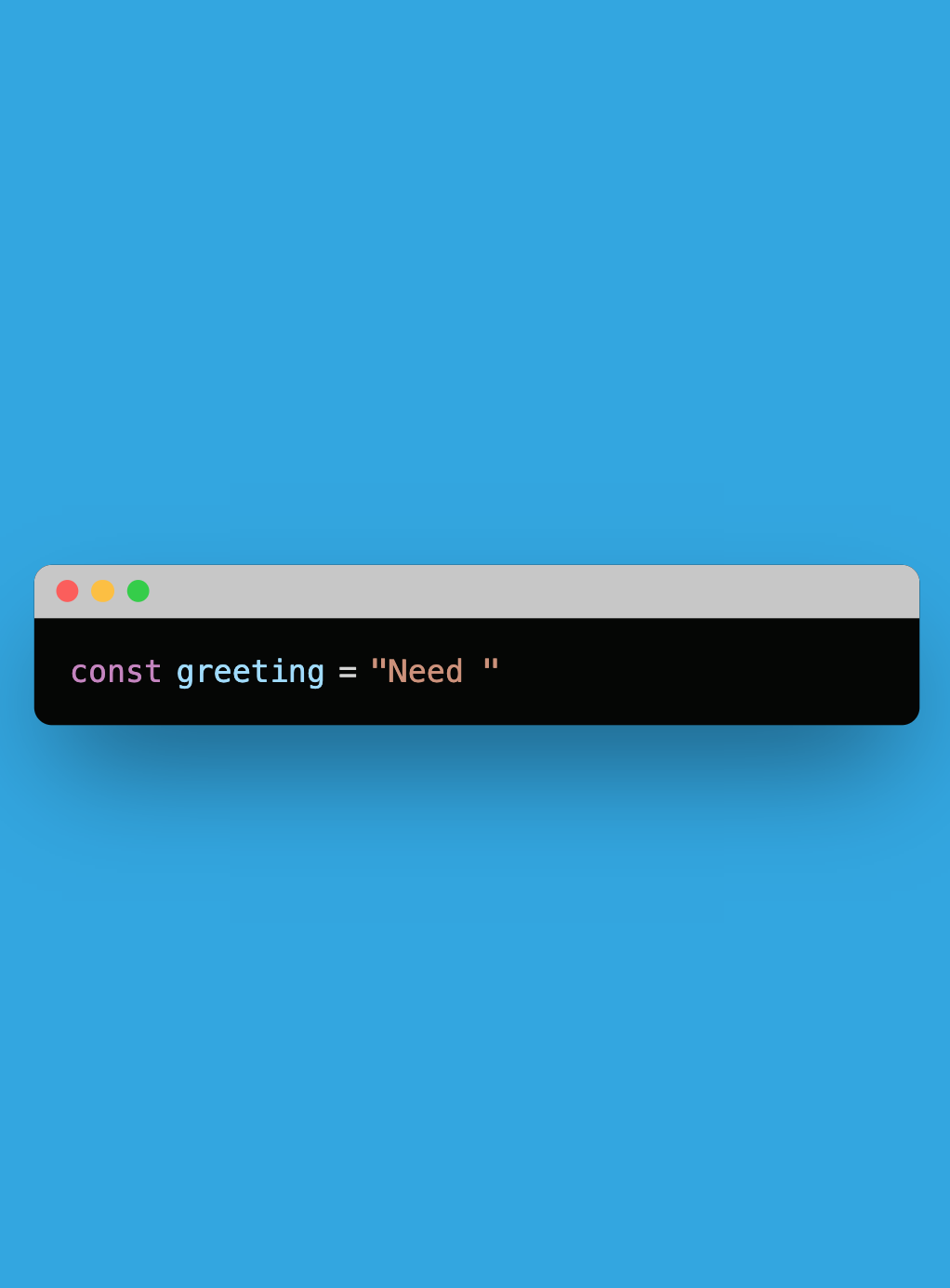
Text animation
Open template
Text animation
Open template
Text animation
Open templateEach category maps to a concrete motion job, from kinetic type to app demos.
Open a template, describe the change, and keep the structure instead of starting over.
Templates are designed for campaign visuals, social assets, presentations, and product launches.
FAQ
Yes. MUSES templates are designed as starting points. You can change copy, timing, styling, layout, colors, and scene details after opening a template.
No. The template gives you a structured scene and MUSES lets you refine it with prompts, so you can start from a strong base instead of a blank timeline.
Yes. The library includes text animation, logo animation, social media, UI, launch video, overlay, and motion graphics templates for real launch workflows.
Open the template in MUSES, customize the prompt and editable fields, preview the motion, then export the result for your campaign, presentation, or product story.
Start creating
MUSES combines frontier-model taste, reusable templates, and an editable browser-native workspace so first drafts, revisions, and final exports stay in one place.
Browse in MUSES