





載入中...
透過基於高級模型建立的人工智慧驅動的工作流程,將粗略的提示轉化為運動概念、動畫排版、產品視覺效果和品牌場景。
在同一場景系統內調整副本、時間、寬高比和品牌方向。 MUSES 保持迭代快速、結構化和可編輯。
video.mp4
thumb.png
重複使用一個創意系統來登陸資產、發布影片、社交剪輯和可匯出的動作交付成果,而不是為每個頻道重新啟動。
AI 就緒模板
打開文字、Logo、UI、社群、資料視覺和發表影片模板,用提示詞重新混合,再微調成適合品牌的版本。
Templates
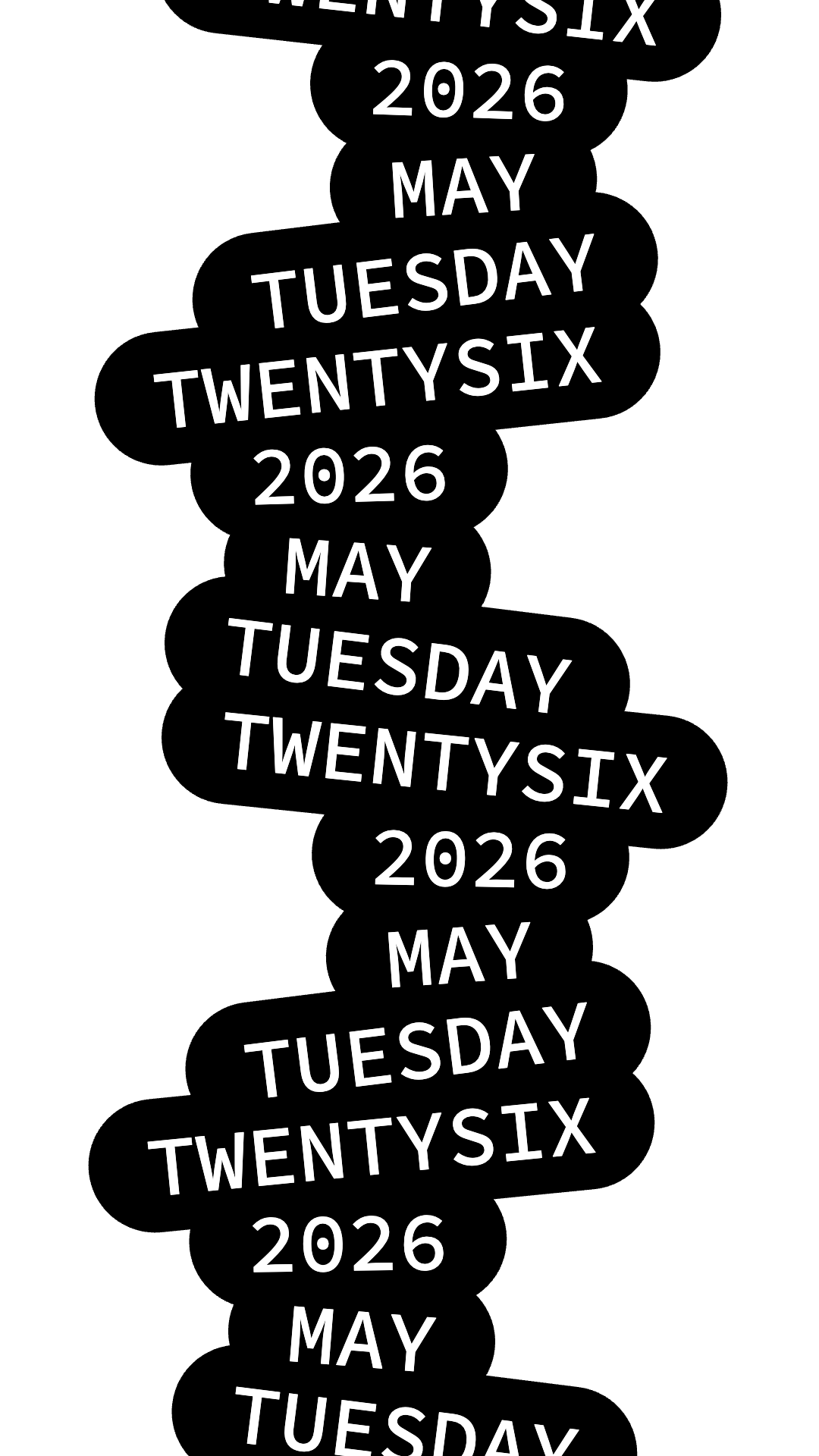
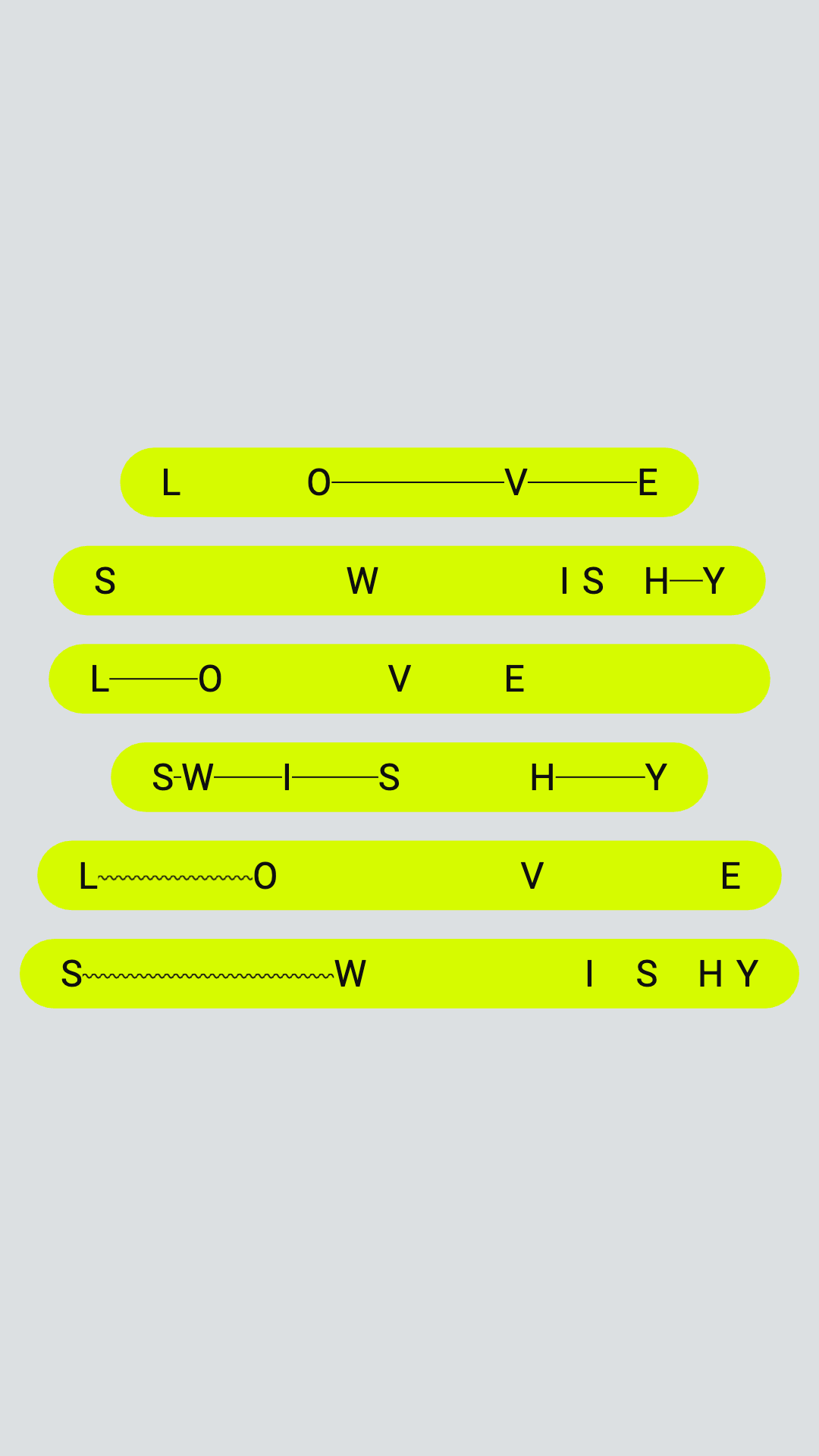
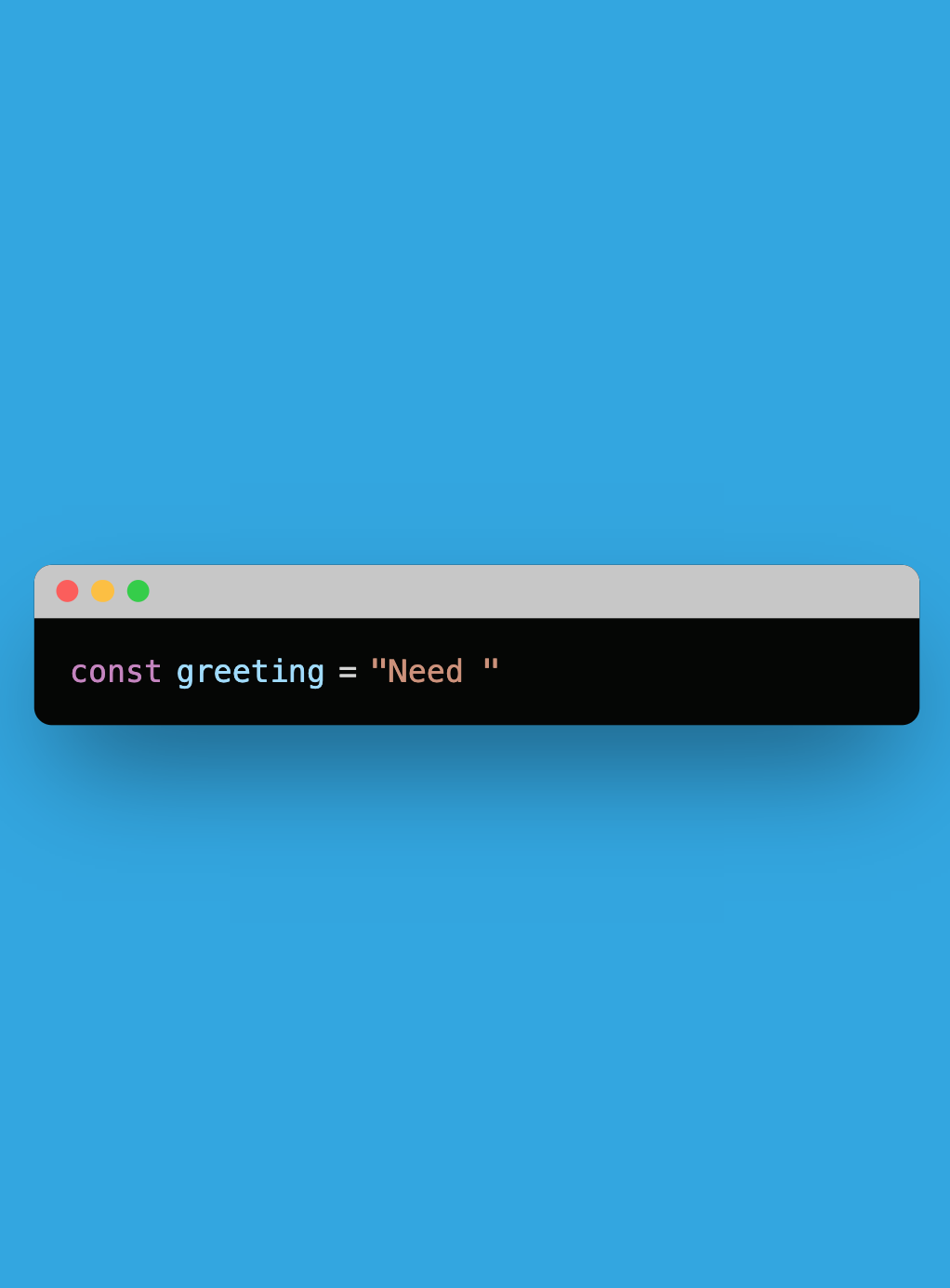
Text animation
Open templatesTemplates
Message animation
Open templatesTemplates
Logo animation
Open templatesTemplates
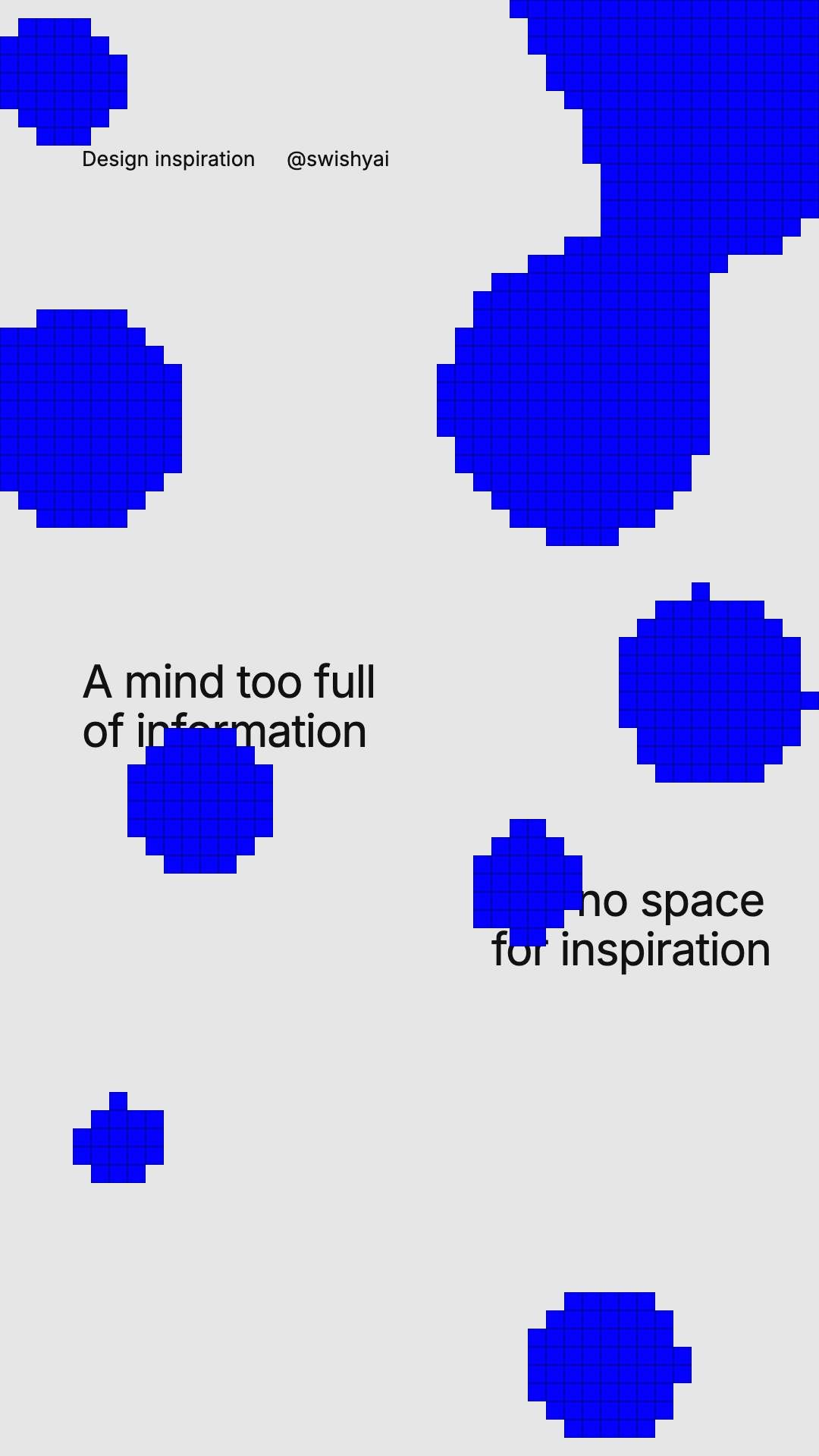
Overlay animation
Open templatesTemplates
Graphic animation
Open templatesTemplates
Money animation
Open templatesTemplates
App & Website animation
Open templatesTemplates
UI element animation
Open templates常見問題
你用簡單的語言描述場景、訊息或風格,MUSES 將這些簡短的內容轉化為時間、間距、層次結構和動作,這樣你就可以從完善的草稿而不是空白的時間線開始。
你用簡單的語言描述場景、訊息或風格,MUSES 將這些簡短的內容轉化為時間、間距、層次結構和動作,這樣你就可以從完善的草稿而不是空白的時間線開始。
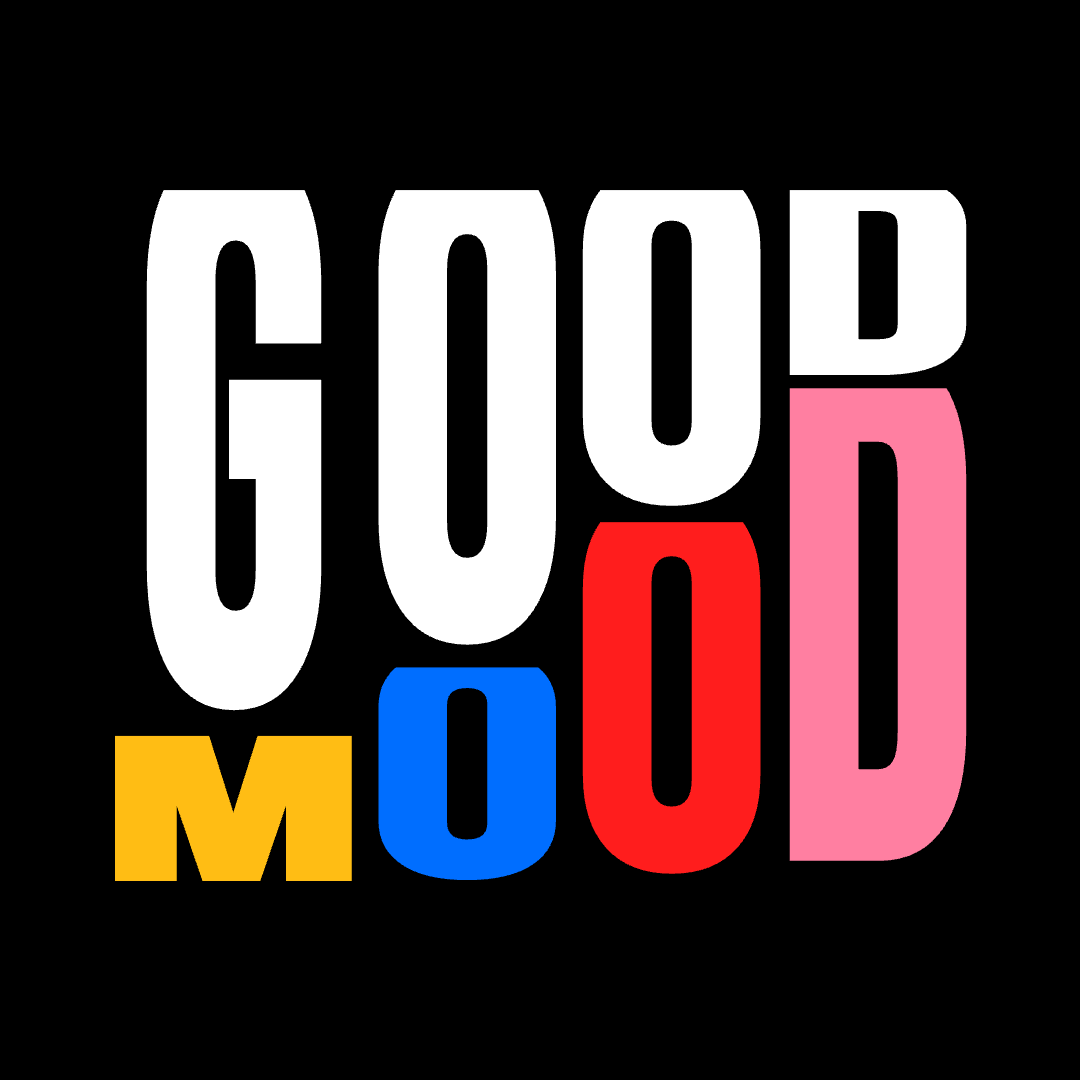
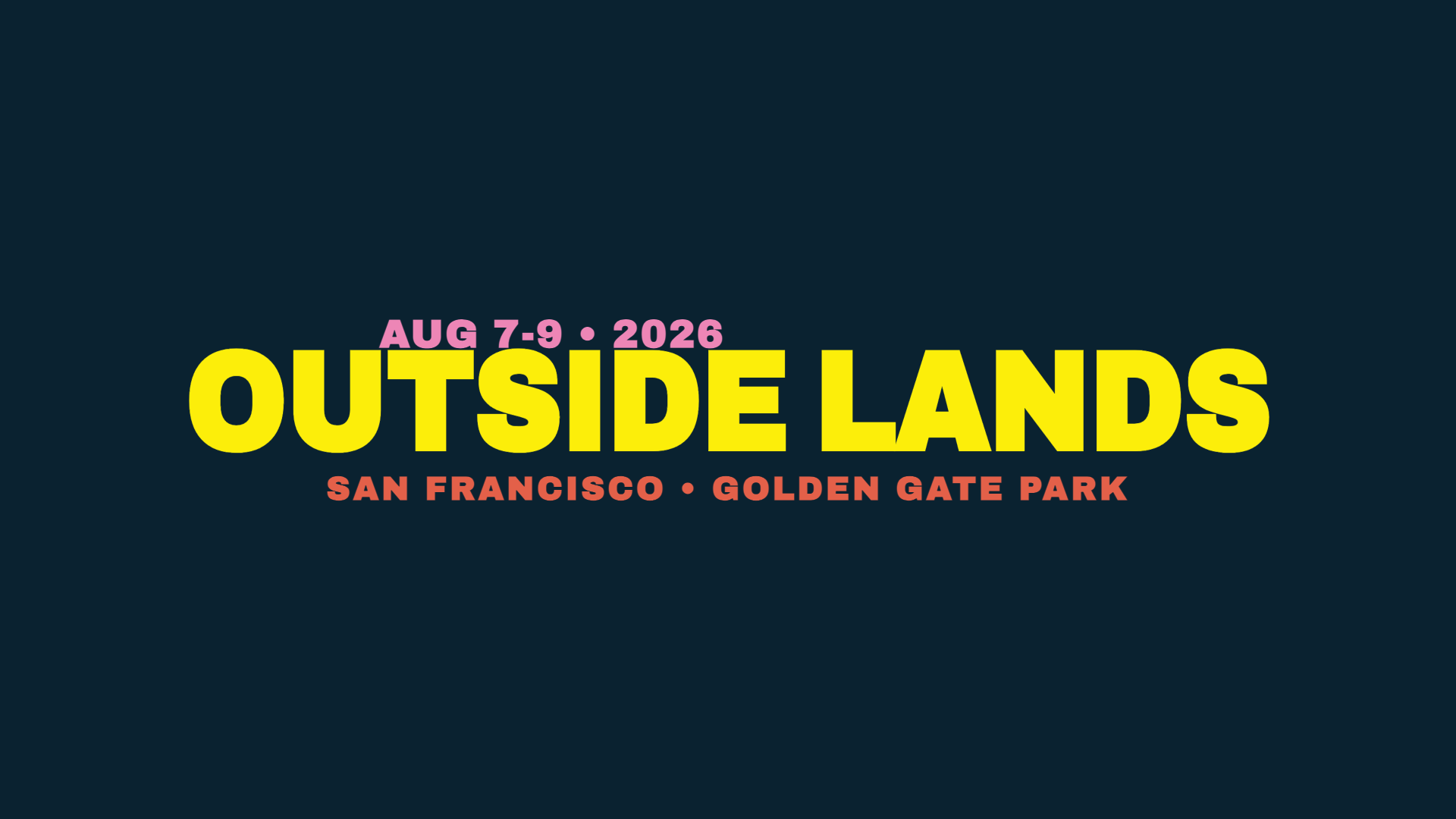
是的。版式是 MUSES 內部的核心產品故事,包括動力類型、顯示系統、字母運動、變形文字、打字機圖案以及用於產品、品牌和社會工作的文字主導視覺效果。
MUSES 的定位是速度和可及性。它啟動速度更快,更容易學習,瀏覽器原生,更適合需要快速輸出而不是掌握傳統動作堆疊的團隊。
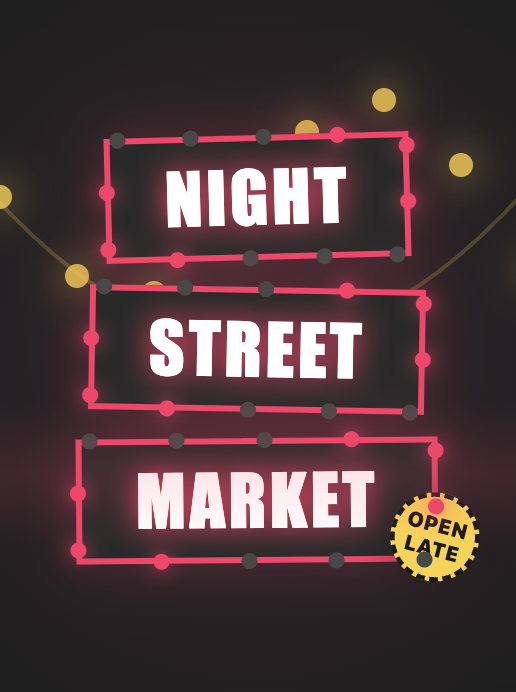
您可以建立標題、字幕、前奏、後奏、下三分之一、廣告文案、打字機效果、淡入淡出、顯示、幻燈片運動、彈跳系統和更廣泛的動態排版處理。
是的。此工作流程旨在提供精美的、可導出的輸出,具有多層場景、清晰的時間表、強大的樣式以及用於真正發布、活動、演示和產品故事講述的資產。
Yes. The workflow is aimed at polished, export-ready output with multi-layer scenes, clear timing, strong styling, and assets meant for real launches, campaigns, presentations, and product storytelling.