





加载中...
把粗略提示词转成动效概念、动态文字、产品视觉和品牌场景。
在同一套场景系统里调整文案、节奏、画面比例和品牌方向,让迭代保持快速、结构化、可编辑。
video.mp4
thumb.png
复用同一套创意系统,产出落地页素材、发布视频、社交短片和可交付动效,而不必为每个渠道重做。
AI 就绪模板
打开文字、Logo、UI、社媒、数据视觉和发布视频模板,用提示词重新混合,再微调成适合品牌的版本。
Templates
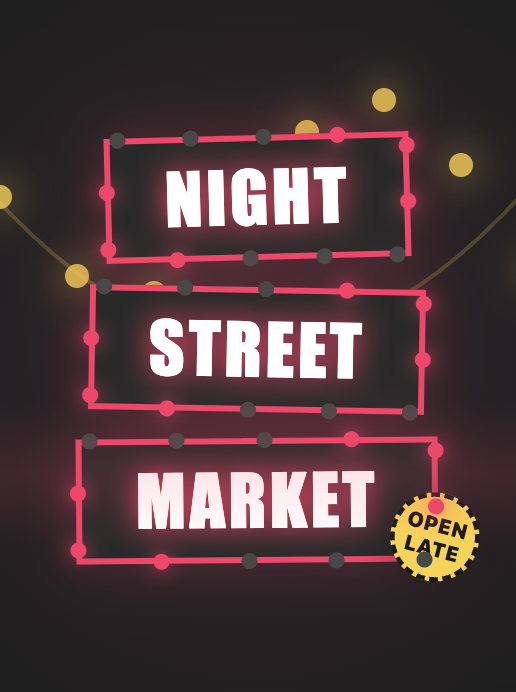
Text animation
Open templatesTemplates
Message animation
Open templatesTemplates
Logo animation
Open templatesTemplates
Overlay animation
Open templatesTemplates
Graphic animation
Open templatesTemplates
Money animation
Open templatesTemplates
App & Website animation
Open templatesTemplates
UI element animation
Open templates常见问题
你用自然语言描述场景、信息或风格,MUSES 会把这份简报转成节奏、间距、层级和运动方式,让你从精致初稿开始,而不是面对空白时间线。
你用自然语言描述场景、信息或风格,MUSES 会把这份简报转成节奏、间距、层级和运动方式,让你从精致初稿开始,而不是面对空白时间线。
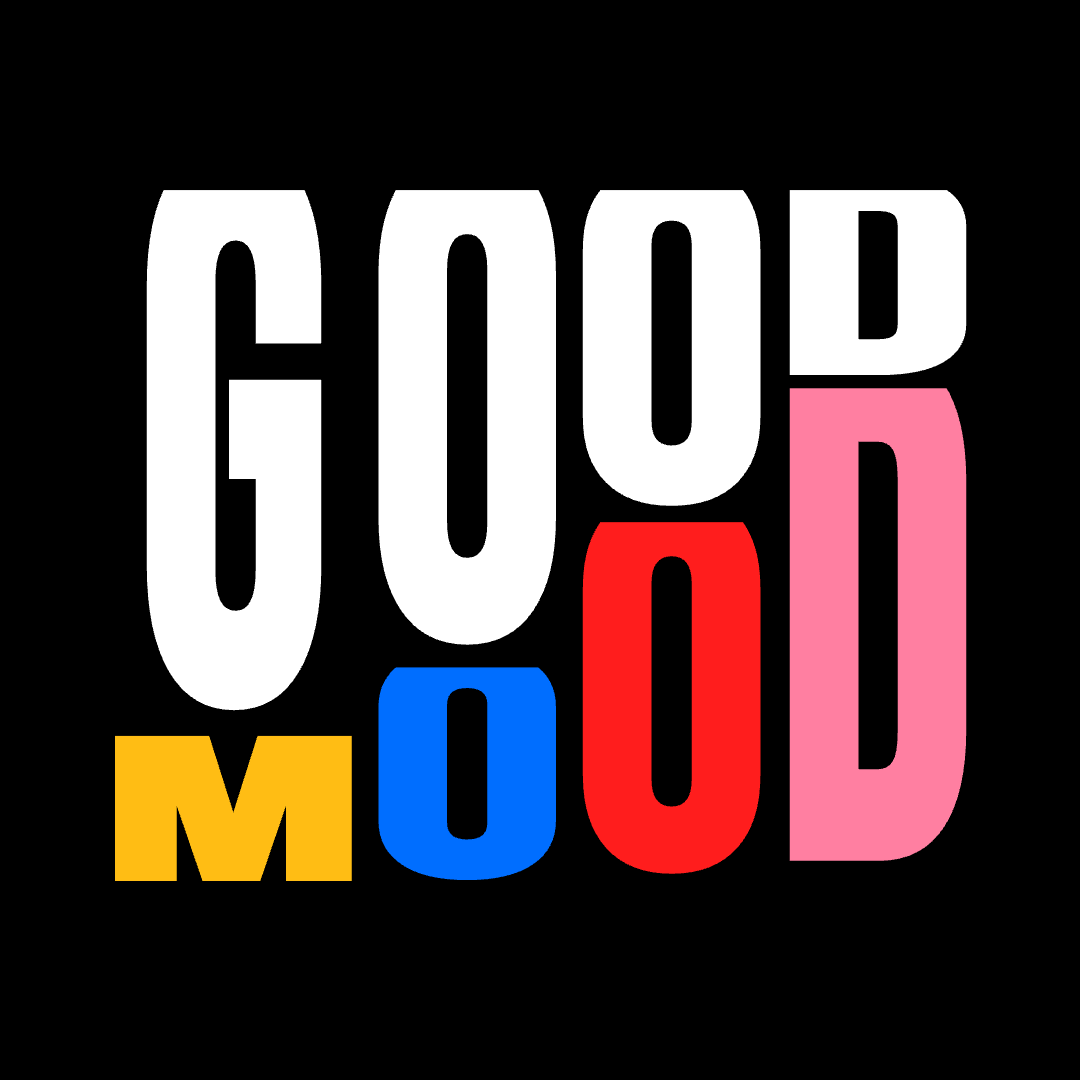
可以。动态排版是 MUSES 的核心能力,支持动感文字、揭示系统、字母运动、文字变形、打字机效果,以及面向产品、品牌和社交内容的文字视觉。
MUSES 更强调速度和易用性。它更快起步、更容易学习、在浏览器中运行,也更适合需要快速得到高质量结果的团队。
你可以制作标题、字幕、开场、结尾、下三分之一标题、广告文案、打字机效果、淡入、揭示、滑动、弹跳,以及更完整的动态排版处理。
适合。它面向精致、可导出的成片输出,支持多层场景、清晰时序、稳定风格,以及真正用于发布、活动、演示和产品叙事的素材。
Yes. The workflow is aimed at polished, export-ready output with multi-layer scenes, clear timing, strong styling, and assets meant for real launches, campaigns, presentations, and product storytelling.